
Real-Time Web Crawling, Changes Delivered in Minutes
Real-time web crawling watches the pages you care about around the clock and tells you the moment something changes. Our live crawler revisits each target as often as its value demands, compares every fetch with the last one and sends only the differences, as alerts or as a continuous event stream.
What Real-Time Web Crawling Data Looks Like
A live crawler does not deliver a file once a day. It emits events: one row each time something you watch changes. This excerpt mixes a retail price watch with a property watch to show how different changes are described.
| Detected | Source | Item | Change | Before | After | Lag |
|---|---|---|---|---|---|---|
| 06:02:14 | store-a.com | Espresso machine, 15 bar | Price drop | 329.00 | 279.00 | 6 min |
| 06:05:40 | portal-2 | 3-bed semi, postcode district 4 | New listing | None | Listed at 415,000 | 9 min |
| 06:11:03 | store-b.com | Robot vacuum, mapping model | Out of stock | In stock | Out of stock | 4 min |
| 06:17:52 | portal-2 | 2-bed flat, postcode district 9 | Price reduced | 289,000 | 275,000 | 12 min |
| 06:20:31 | store-a.com | Espresso machine, 15 bar | Seller changed | Seller 1 | Seller 3 | 3 min |
What Changes Can a Live Crawler Detect?
You choose the trigger, and the crawler ignores everything else on the page. That keeps alerts useful instead of noisy, and it means one crawler can watch several kinds of change on the same page with different thresholds for each.
Price moves
Drops, rises and promotions above a threshold you set, by product or category.
Stock and availability
Items going out of stock or returning, including size and colour variants.
New listings
Properties, vehicles or jobs captured as they go live, before the daily crowd sees them.
Learn moreNew local businesses
Fresh business listings by city or region, captured 24/7 for sales teams.
Learn moreText and policy edits
Wording changes on terms, rate cards, product specs or public notices, shown as a before and after.
Breaking publications
New press releases, filings or articles on watched pages, delivered as they appear.
How Does Real-Time Web Crawling Work?
Real time on the web really means polling: checking a page again and again. The skill is in choosing how often. We set a revisit interval per target based on how often it changes and how much a missed change costs you, so a best-selling product page may be checked every few minutes while a slow catalogue page is checked hourly.
Each fetch is reduced to the fields you watch, and those values are compared with the previous version. A change only becomes an event when it passes your rules, such as a price move larger than two per cent or a new listing inside a chosen area. That filtering is what turns a firehose into alerts people actually read.
Where a site exposes a lighter source, such as a listing feed, a sitemap with update times or the data request a page makes in the background, we watch that instead of the full page. It is faster, cheaper and gentler on the site. Events go to a queue that retries delivery, so a short outage on your side does not lose a change.
Real-Time Crawling Case Study: Price Alerts Within 15 Minutes
For an ecommerce client we monitor more than 60,000 SKUs a day across 50+ marketplaces, with Slack and email alerts reaching the pricing team within 15 minutes of a competitor change. On a separate property project, our crawler captures 300+ new listings a day as they go live across 50+ portals.
Read the case studyHow to Set Up a Live Crawler
- 01
Pick targets and triggers
List the pages or searches to watch and the changes that matter, with thresholds for each.
- 02
Agree speed per tier
We sort targets into hot, warm and cold tiers, each with its own revisit interval and cost.
- 03
Connect delivery
Events flow to Slack, email, a webhook you host or a private API, in a format your systems accept.
- 04
Tune and run
In the first two weeks we adjust thresholds to cut false alarms, then run the watch around the clock.
Daily Scraping vs Change Monitoring Tool vs Live Crawler
| Option | Daily scrape | Page-change tool | TheDataHQ live crawler |
|---|---|---|---|
| How soon you know | Next morning | Minutes to hours | Within minutes |
| What triggers an alert | Nothing, you compare files | Any pixel or text change | Your field rules and thresholds |
| Structured values | Yes | Usually a screenshot or diff | Yes, before and after |
| Scale | Thousands of pages | Tens to hundreds of pages | Tens of thousands of targets |
| When the site changes layout | Gaps until someone notices | Floods of false alerts | Detected and fixed by our engineers |
How Much Does Real-Time Web Crawling Cost?
No minimum project size. Small fixes and big builds are both welcome.
When Is Real-Time Crawling Worth It?
Revisit frequency is the main cost driver, because checking a page every five minutes is close to 300 fetches a day for that single page. We usually recommend a small hot tier, the pages where minutes truly matter, and a larger warm tier checked hourly. Most clients find this gives them nearly all the value at a fraction of the cost.
If your decisions are made once a day, a daily feed from our web scraping services is cheaper and just as useful. Live crawling pays off when you act on changes quickly, such as repricing, calling a seller first or reacting to stock gaps before a competitor does.
We only watch public pages, never content behind a login, and we pace requests so each site sees steady, modest traffic. Since 2015 we have built more than 15,000 scrapers, and our engineers reply within 4 business hours.
What is real-time web crawling?
It is crawling that revisits chosen pages every few minutes, compares each visit with the last one and reports changes as they happen. You get events such as a price drop or a new listing, rather than a full copy of the site.
How fast can a live crawler detect a change?
For high-priority targets we typically detect a change within minutes of it going live. For one ecommerce client, alerts reach the pricing team within 15 minutes of a competitor price change.
Can I get alerts in Slack when a competitor changes a price?
Yes. Alerts can go to Slack channels, email, a webhook or a private API, and each alert shows the item, the old value, the new value and a link to the page.
How is live crawling different from daily scraping?
Daily scraping takes a full snapshot once a day. Live crawling checks pages repeatedly and sends only what changed, so you hear about it in minutes instead of the next morning.
Does real-time crawling put heavy load on websites?
No. We keep traffic light by watching the lightest source available and pacing requests per site. If a site restricts access, monitoring flags it and we pause and check with you before continuing.
Can you monitor new property or job listings as they are posted?
Yes. On one property project our crawler captures 300+ new listings a day as they go live across 50+ portals. The same approach works for job and vehicle listings.
Can I see the full history of changes, not just alerts?
Yes. Every event is stored with its timestamp, source URL and before and after values, so you can query the full change history through the API or receive it as a weekly file for analysis.
How much does a real-time crawler cost?
Cost depends on how many targets you watch and how often. Engineers work from $15 an hour, dedicated engineers from $2,400 a month, and fixed monthly prices are quoted after the free sample.
Real-time web crawling guides
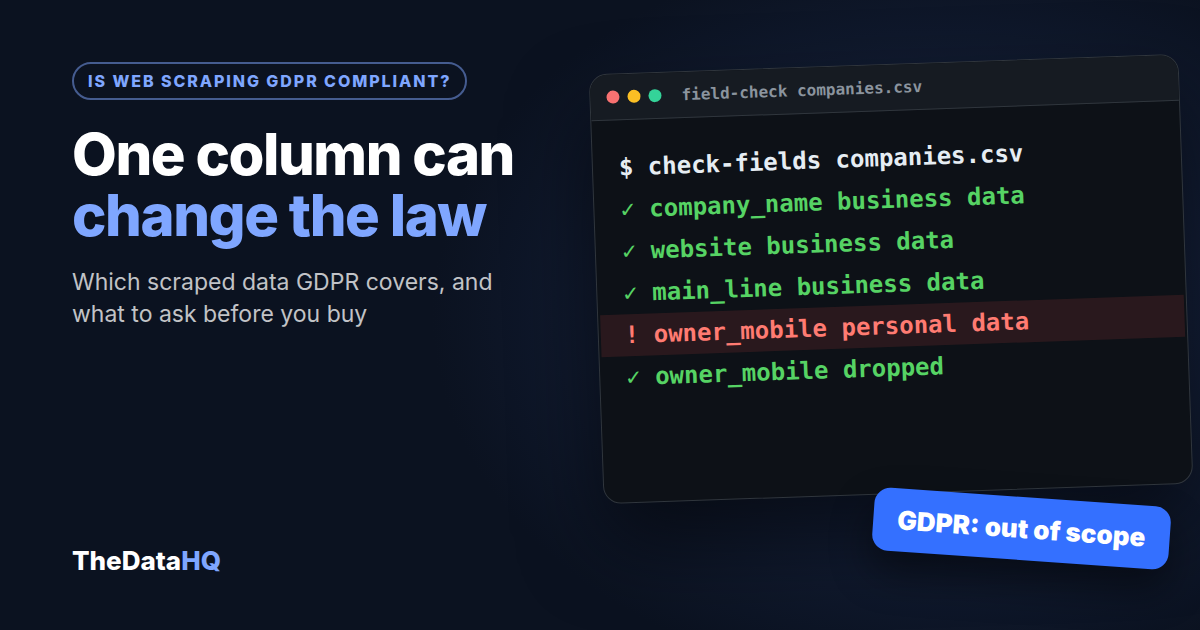
Is Web Scraping GDPR Compliant When You Buy the Data?
GDPR only applies when scraped data identifies a person. Which data is in scope, who is responsible when you buy it, what the EDPB draft…
Read the guide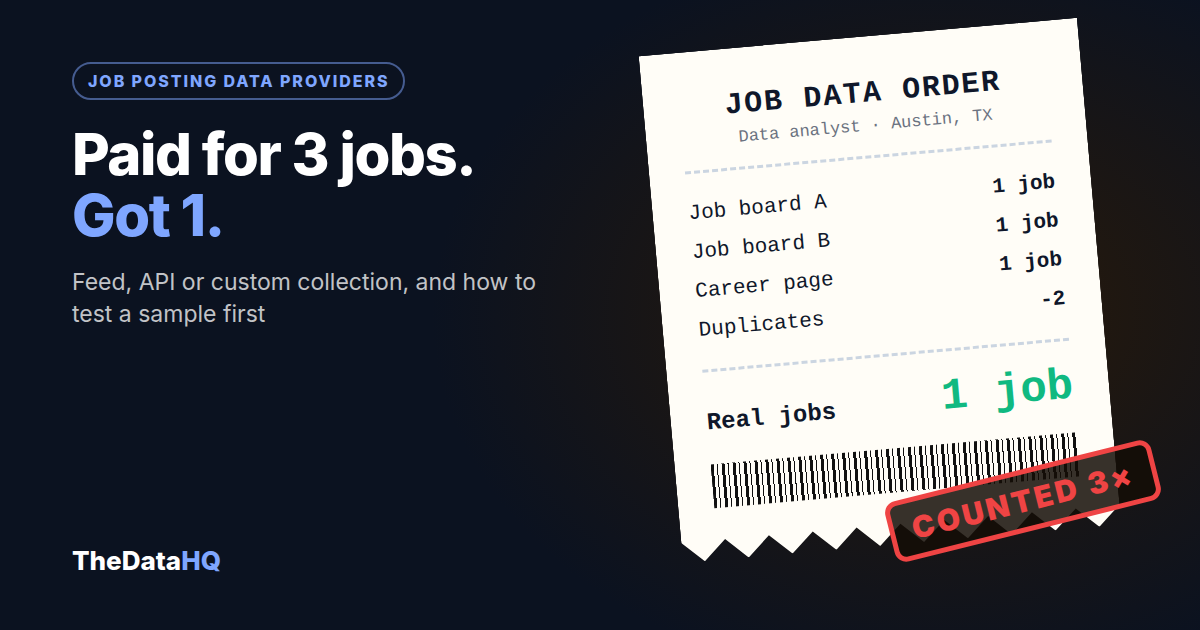
Job Posting Data Providers Compared: Feed, API or Scrape
Job posting data comes as a ready dataset, a pay-per-record API or a custom collection of named sites. Named providers with their…
Read the guide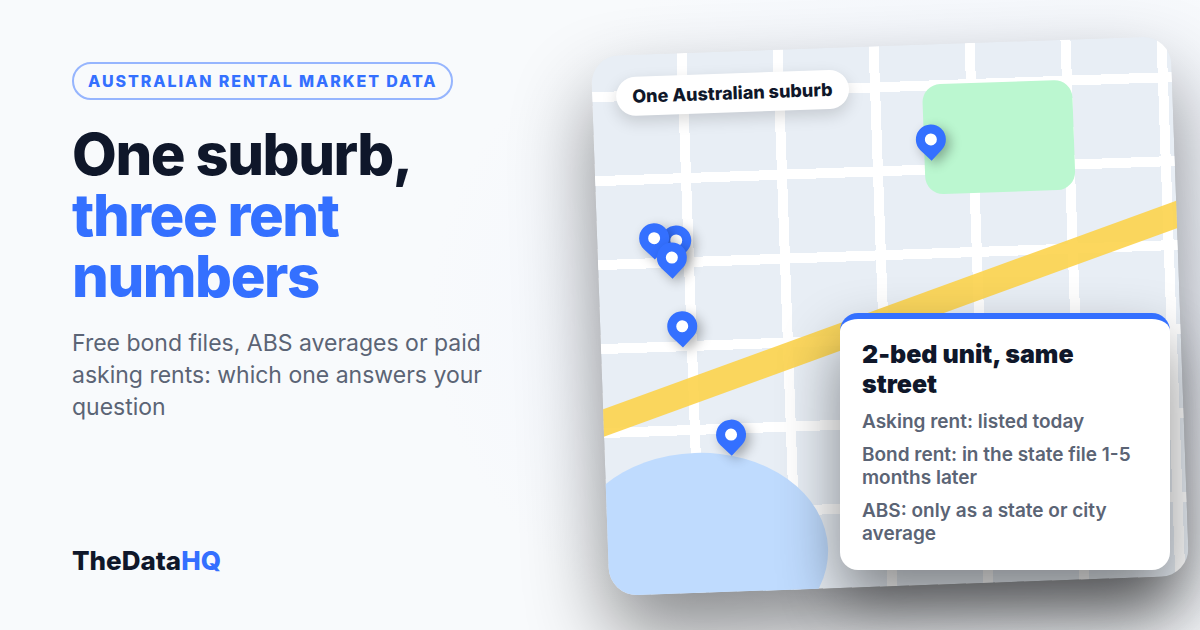
Rental Market Dataset Australia: Free vs Paid Sources
Australian rent data comes from free state bond files (suburb medians, months late), ABS averages, and paid asking-rent data from…
Read the guide