
RPA Services for Repetitive Web and Portal Work
Our RPA services replace the browser work your staff repeat all day: typing a name into a public records portal, downloading the same report every morning, copying values from one system into another. We write each bot in code, run it on our servers and fix it when a portal changes, so the queue keeps moving without anyone watching it.
What Tasks Can Robotic Process Automation Handle?
A task is a good fit for a bot when a person follows the same steps every time, on a website or web app, with rules they could write down.
Public record searches
Look up names, case numbers or licence IDs across court, county and registry portals, then save the results.
Learn moreForm filling
Submit applications, quotes or orders from a spreadsheet row by row, and capture the confirmation number.
Scheduled report downloads
Sign in to your own supplier, bank or ad portals each morning and pull the latest exports into one folder.
Copy between systems
Move values from an email, a PDF or a web app into your CRM, ERP or accounting tool without retyping.
Status checks
Check order, shipment, permit or claim status on many sites and flag anything that changed since yesterday.
Compliance lookups
Screen suppliers or contractors against public registers and sanctions lists, with a dated record of each check.
Learn moreWhat an RPA Bot Run Log Looks Like
This is sample data from a county records search bot. Each input row is a request from the client's queue. The bot searches the matching portal, saves what it finds and routes anything unclear to a person.
| Request | Portal | Search | Result | Records found | Time | Status |
|---|---|---|---|---|---|---|
| REQ-48211 | county-portal-07 | Name + birth year | Saved PDF and summary | 2 | 41 s | Done |
| REQ-48212 | county-portal-12 | Name + birth year | No records | 0 | 28 s | Done |
| REQ-48213 | state-court-03 | Case number | Docket and filings saved | 1 | 57 s | Done |
| REQ-48214 | county-portal-07 | Name + birth year | Three similar names | 3 | 49 s | Sent to reviewer |
| REQ-48215 | county-portal-19 | Name + birth year | Portal offline | 15 s | Retry at 14:00 |
RPA Case Study: Background Checks 90% Automated
A US background-screening business had staff searching county and court portals one request at a time. We built bots that run the searches, read the results and assemble each report, leaving people to review only the unclear matches. Turnaround dropped sharply and the team now handles more checks without hiring.
Read the case studyCoded RPA vs Desktop RPA Tools: Which Is Better for Web Work?
Desktop RPA suites record clicks on a screen and replay them. That works for stable internal apps, but public portals change their layout, add pop-ups and time out at random, and a recorded click path breaks the moment a button moves. Per-bot licences also add up quickly once you run more than a handful of processes.
We write bots in code with Playwright and Python, targeting page structure rather than screen positions, with waits, retries and fallbacks for each step. The same skills we use to keep 15,000+ scrapers running apply directly: monitoring spots a failing step on the next run, and an engineer repairs it, usually the same day. You pay no per-bot licence fee.
Where a process needs judgement, such as reading a free-text note or choosing between similar records, we can add a language model step, and we always keep a person in the loop for decisions with legal or financial weight.
How We Automate a Process With RPA
- 01
Watch the task (day 0–1)
A staff member walks us through the process on a call. We write down every step, rule and exception.
- 02
Pilot bot (about day 5)
The bot runs a batch of real requests alongside your team, so results can be compared line by line.
- 03
Go live (week 2–3)
The bot takes over the queue. Exceptions go to a named person with a screenshot and a reason.
- 04
Run and improve
We monitor every run, fix breaks when portals change and automate the most common exceptions next.
How Much Manual Work Can Automation Remove?
For an operations team buried in repetitive admin, we combined browser bots with n8n workflows and language model steps that read incoming requests, look up the data needed, update the right systems and draft replies for approval. About 80% of the manual work was removed, and the team reported roughly three times the output with the same headcount.
Not every process gets those numbers. Tasks with many exceptions or unclear rules automate less, and we tell you so after the first walkthrough rather than after the build. A good rule of thumb: if a new hire could learn the task from a one-page checklist, a bot can probably do most of it.
Which Processes Should You Automate First?
Pick the task with the highest volume and the fewest exceptions, not the one that annoys people most. Count how many times a week it runs, how long each run takes and how often staff have to stop and ask someone. A record search done 400 times a week at four minutes each is nearly 27 hours of work, and a bot that handles nine in ten of those returns most of a full-time role.
Avoid starting with a process that is about to change. If the portal is being replaced next quarter, or the rules are still being argued over, automate something stable first and come back later. Early wins also build the trust your team needs to hand over the next queue.
What Is Included in Our RPA Services
You get a working bot and the people who keep it working, not a licence and a training course.
- Process mapping and a written list of rules and exceptions
- Bots built in code and hosted on our servers
- Exception routing to your team with screenshots
- A run log with timestamps for audit and billing
- Monitoring and repairs when a portal or app changes
- Monthly report on volumes, exceptions and time saved
What we will not automate
- Getting around CAPTCHAs or access controls on sites you are not authorised to use
- Creating fake accounts or posting content at volume
- Decisions that must legally be made by a person, without review
How Much Do RPA Services Cost?
No minimum project size. Small fixes and big builds are both welcome.
What is robotic process automation?
Robotic process automation, or RPA, uses software bots to repeat the steps a person takes on a computer, such as searching a portal, filling a form or copying data between systems.
How much do RPA services cost?
A single bot is usually a fixed-price build quoted up front, followed by a monthly run and maintenance fee. Larger programmes use engineers from $15 an hour or a dedicated engineer from $2,400 a month.
How long does it take to automate a process?
A pilot bot usually runs within about five working days of the walkthrough, and most processes go fully live in two to three weeks.
Do we need to buy RPA software licences?
No. We build bots in code and host them ourselves, so there are no per-bot licence fees. If you already run an RPA platform, we can still build for it.
What happens when a website changes and the bot breaks?
Our monitoring catches the failed step on the next run. An engineer fixes the bot, usually the same day, and any queued requests are processed once it is back.
Is RPA the same as web scraping?
They overlap. Scraping reads data from pages, while RPA also takes actions like submitting forms or downloading files. Many of our bots do both. See our web scraping services for collection-only work.
Is browser automation secure?
Bots run on isolated servers, credentials for your own systems are stored encrypted and never shared, and every action is logged so you can see exactly what the bot did.
RPA services guides
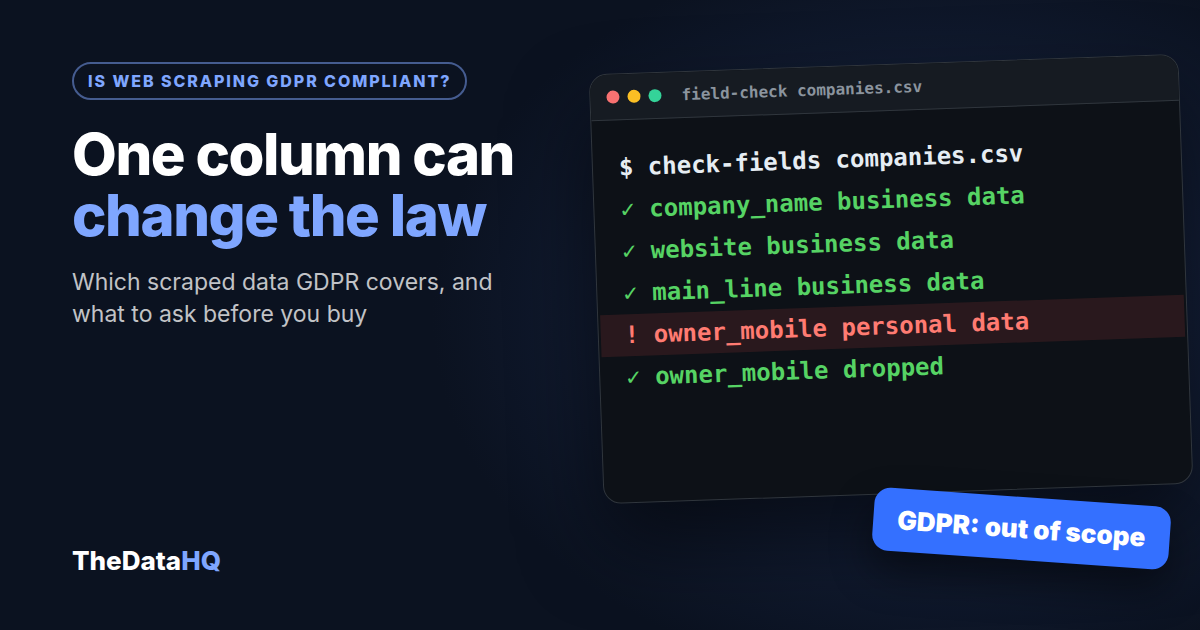
Is Web Scraping GDPR Compliant When You Buy the Data?
GDPR only applies when scraped data identifies a person. Which data is in scope, who is responsible when you buy it, what the EDPB draft…
Read the guide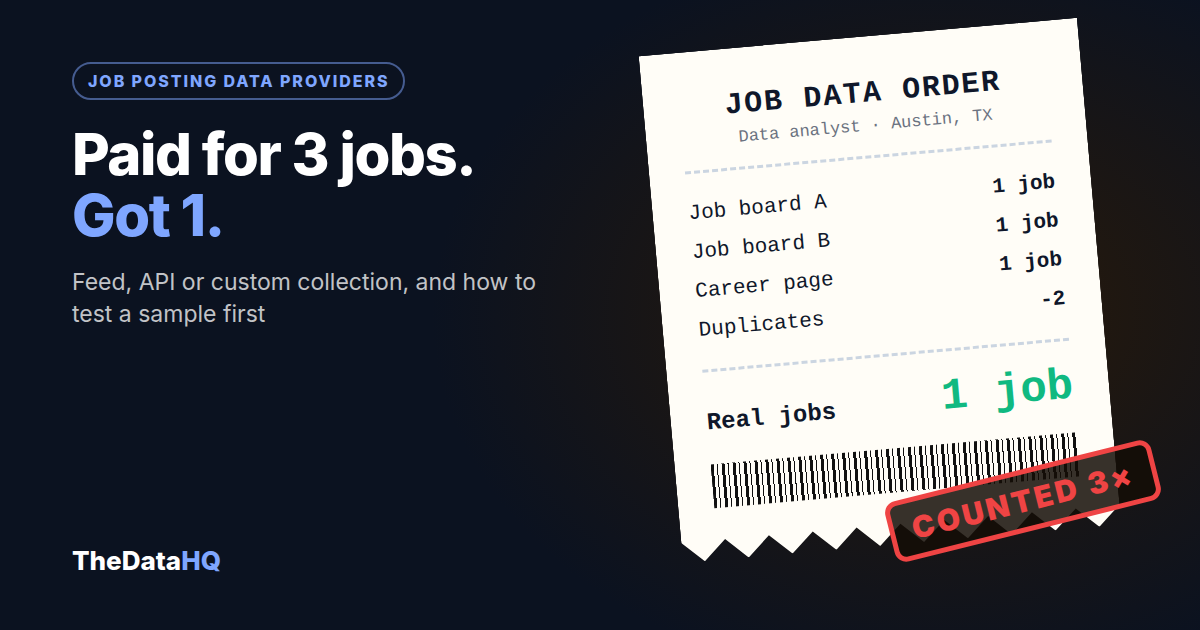
Job Posting Data Providers Compared: Feed, API or Scrape
Job posting data comes as a ready dataset, a pay-per-record API or a custom collection of named sites. Named providers with their…
Read the guide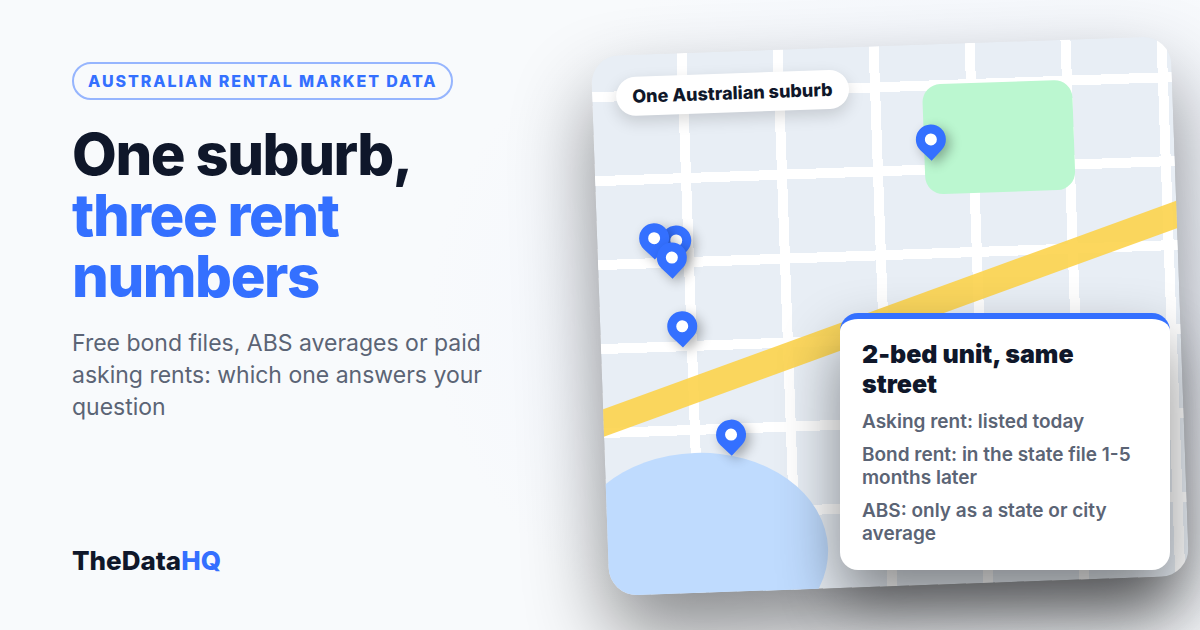
Rental Market Dataset Australia: Free vs Paid Sources
Australian rent data comes from free state bond files (suburb medians, months late), ABS averages, and paid asking-rent data from…
Read the guide